
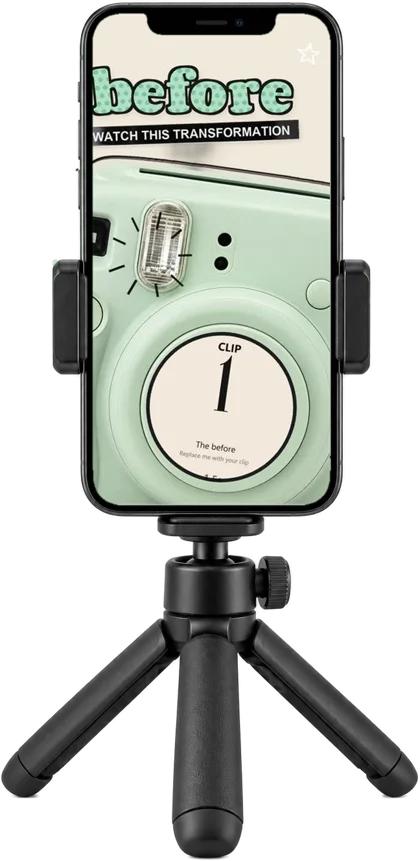
Your month’s content:DONE
25 ready-made Reels for your product. Add your clips and post.
$17.99Get all 25 Reels
All 25 templates in one download.
All 25 Reels
1 of 25
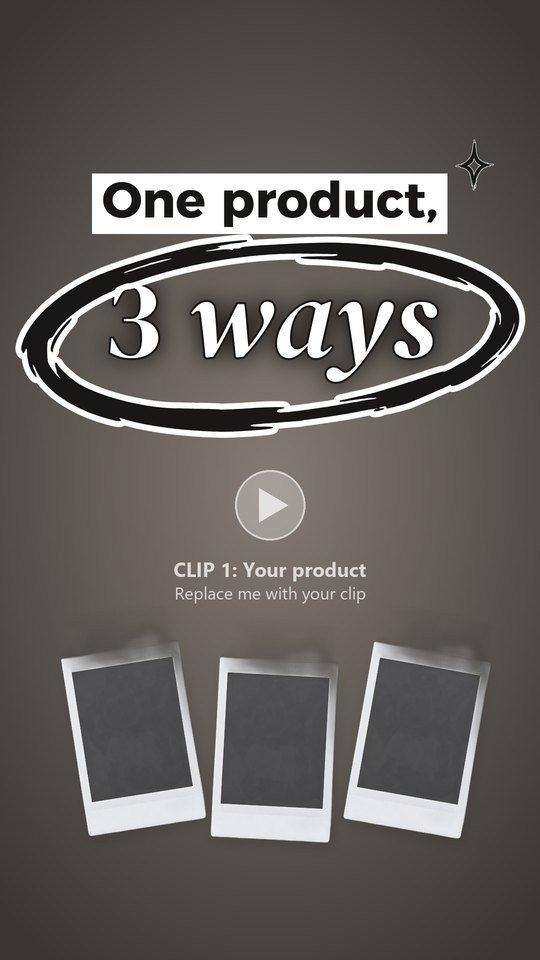
One product, three ways
2 of 25
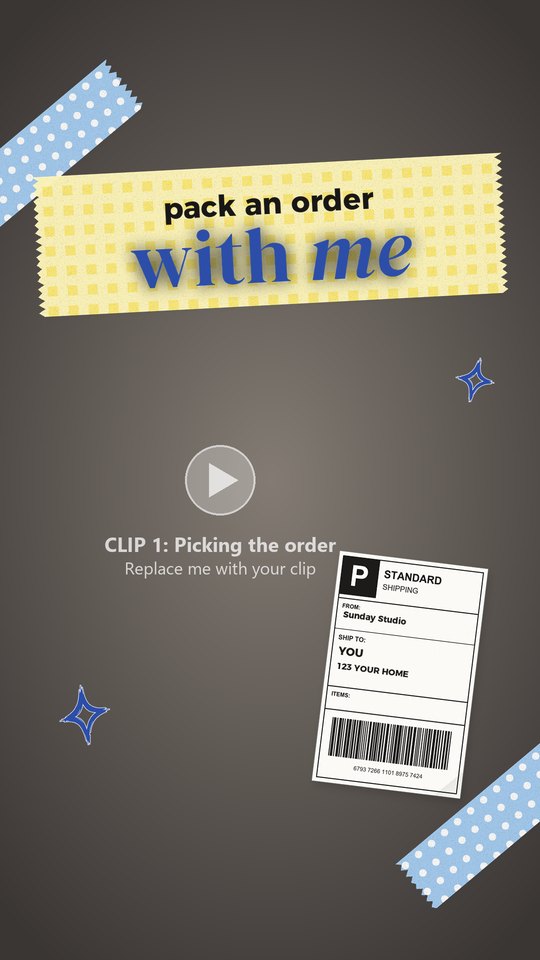
Pack an order with me
3 of 25
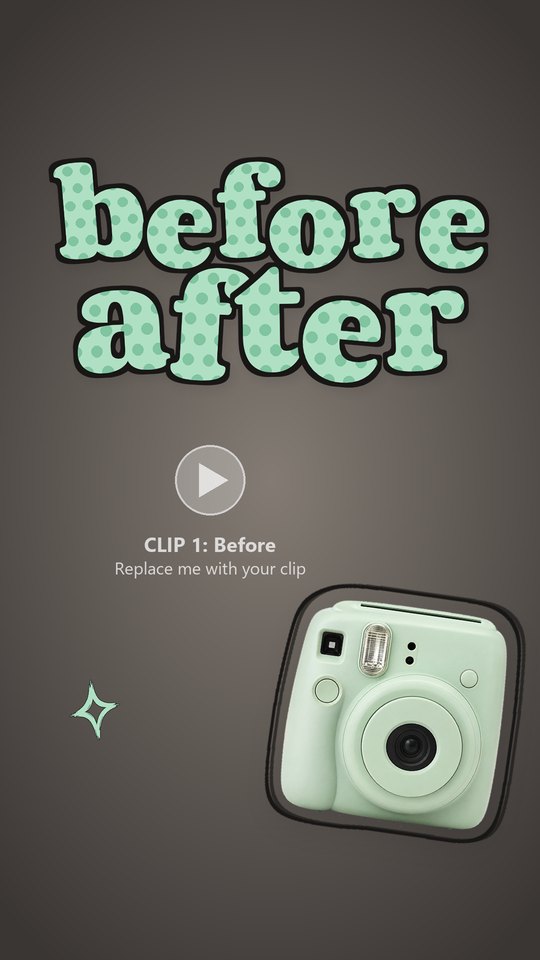
Before and after
4 of 25
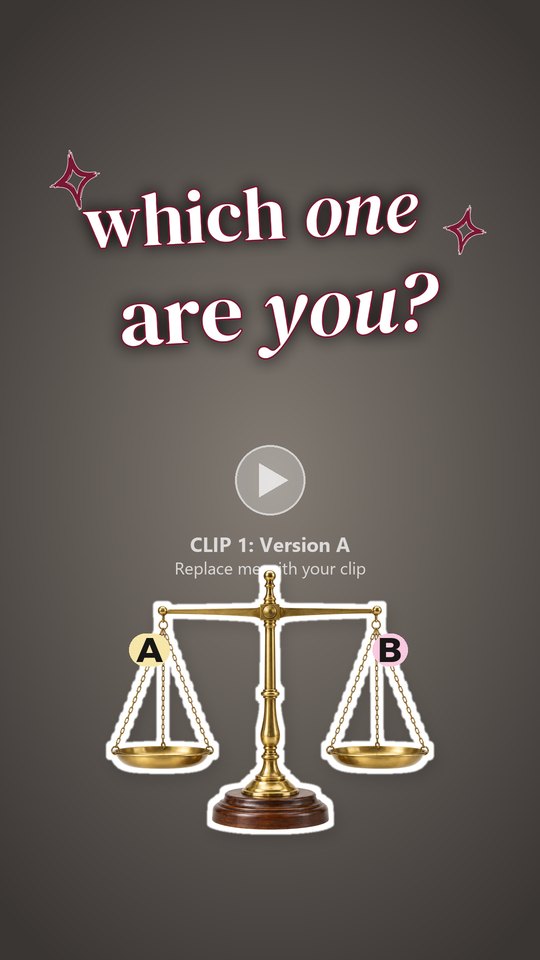
A or B?
5 of 25
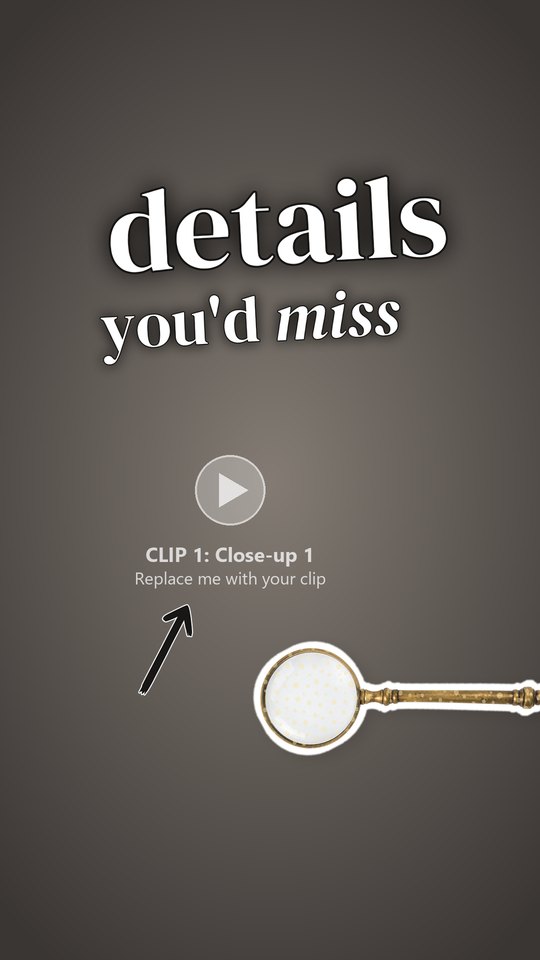
Details you’d miss in a photo
6 of 25
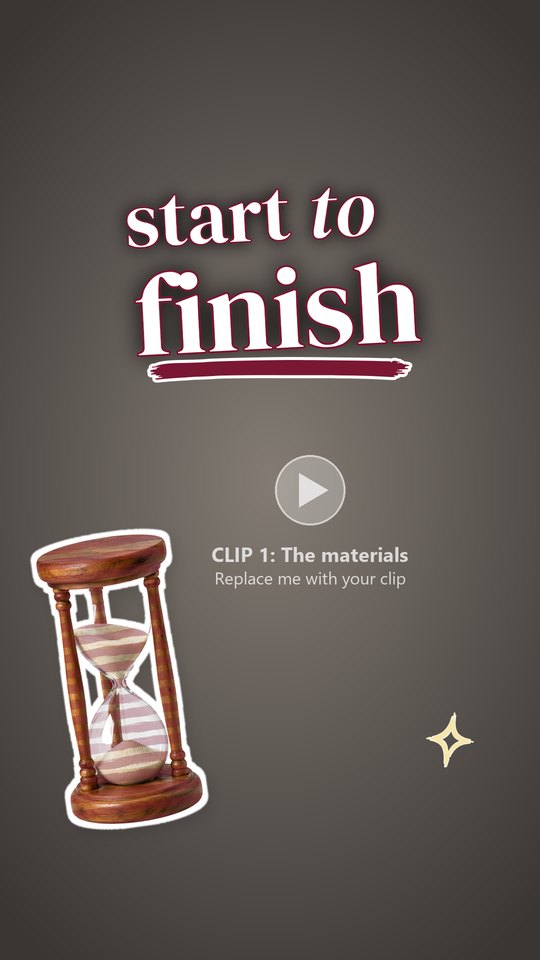
Start to finish
7 of 25
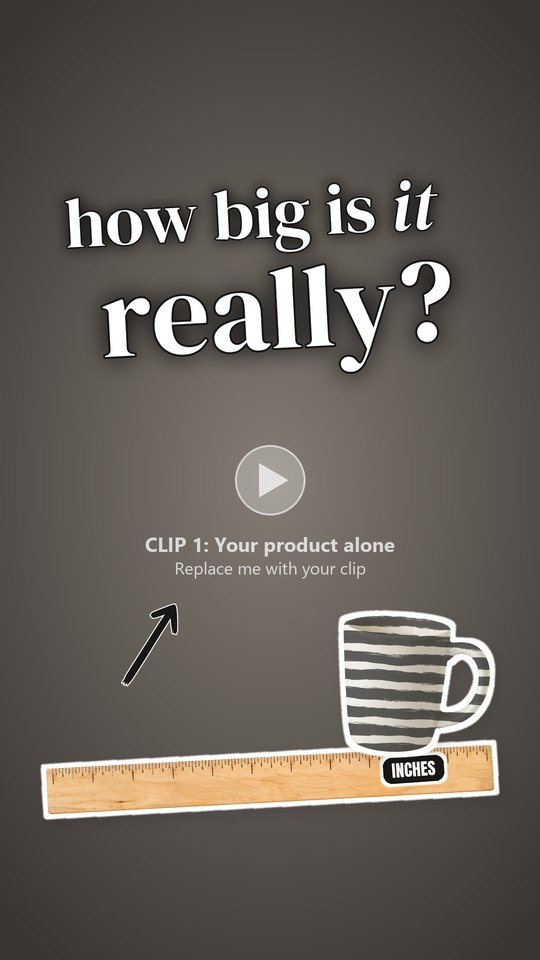
How big is it really?
8 of 25
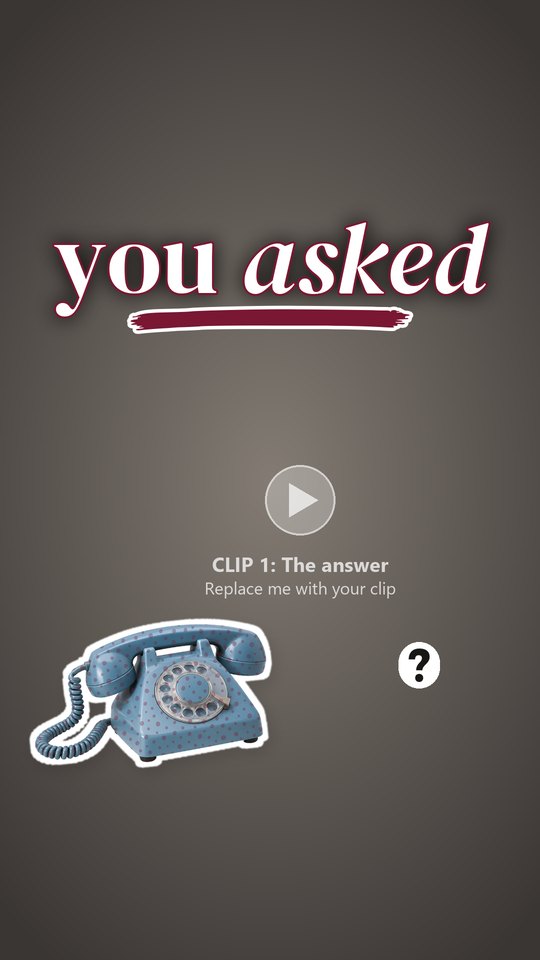
A real customer question
9 of 25
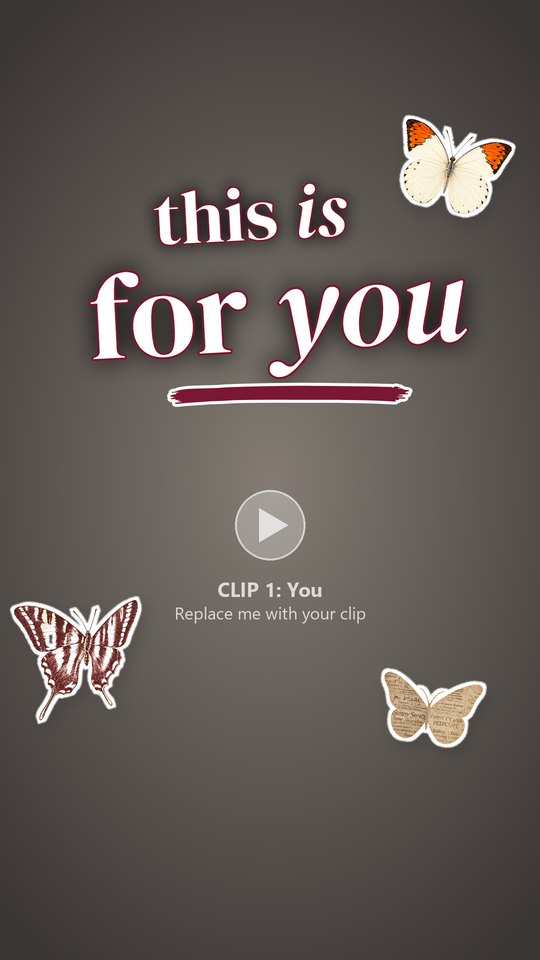
Who it’s for
10 of 25
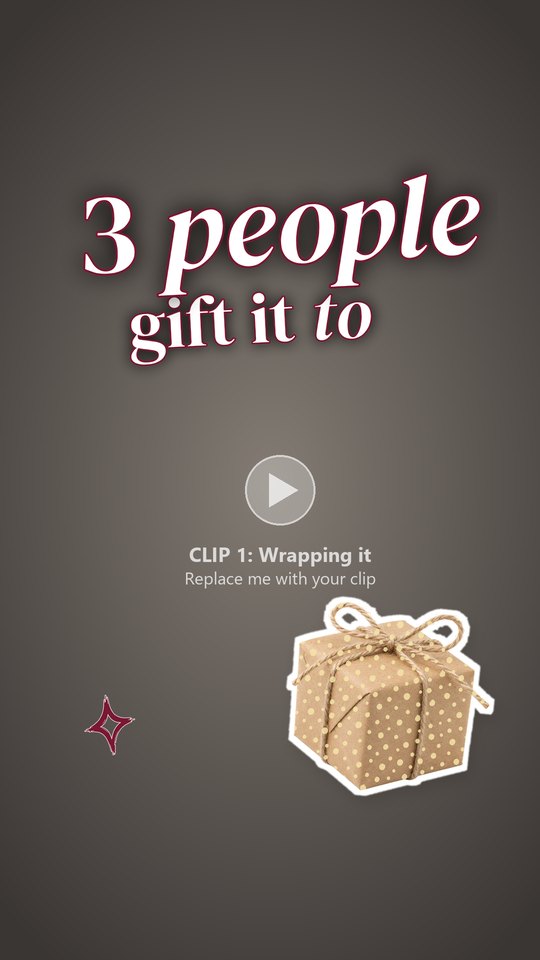
Three people to gift it to
11 of 25
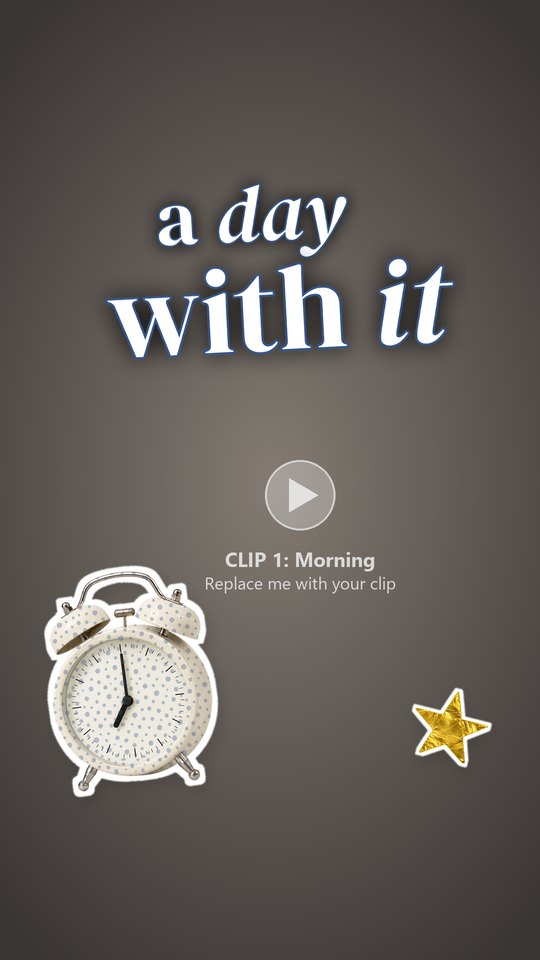
A day with it
12 of 25
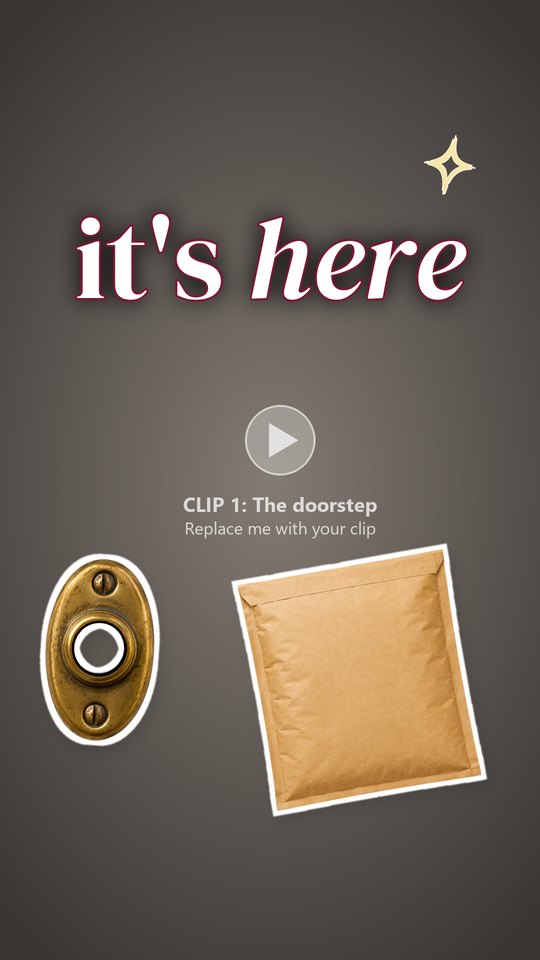
Your order just arrived
13 of 25
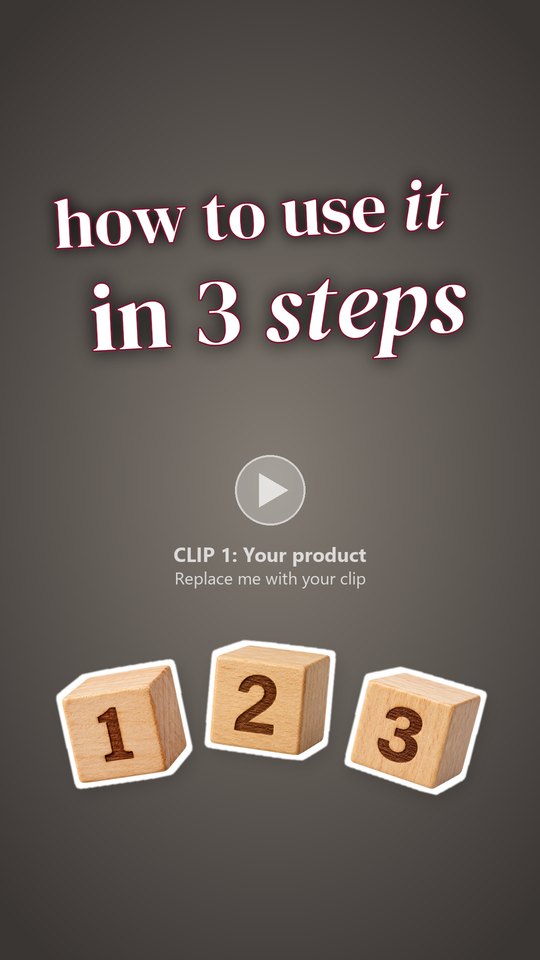
How to use it in 3 steps
14 of 25
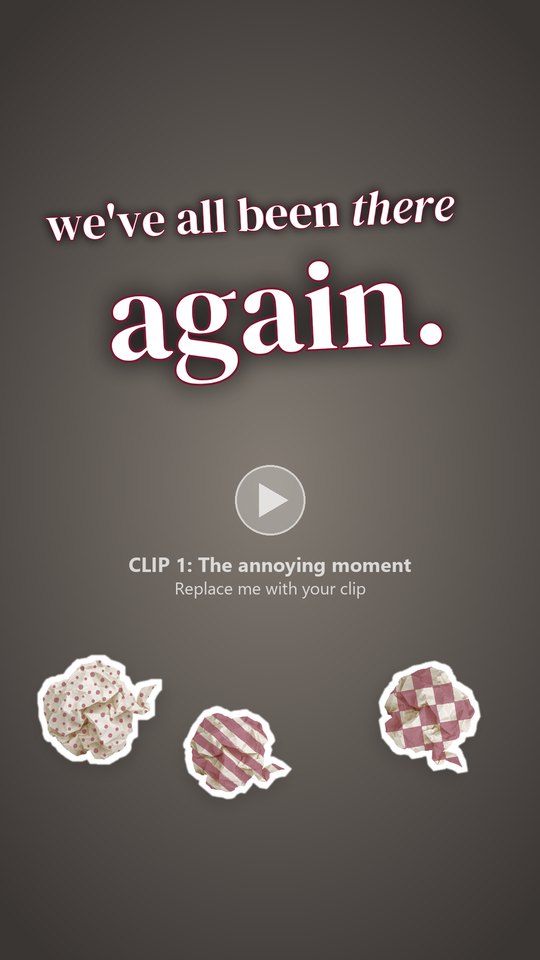
The annoying moment
15 of 25
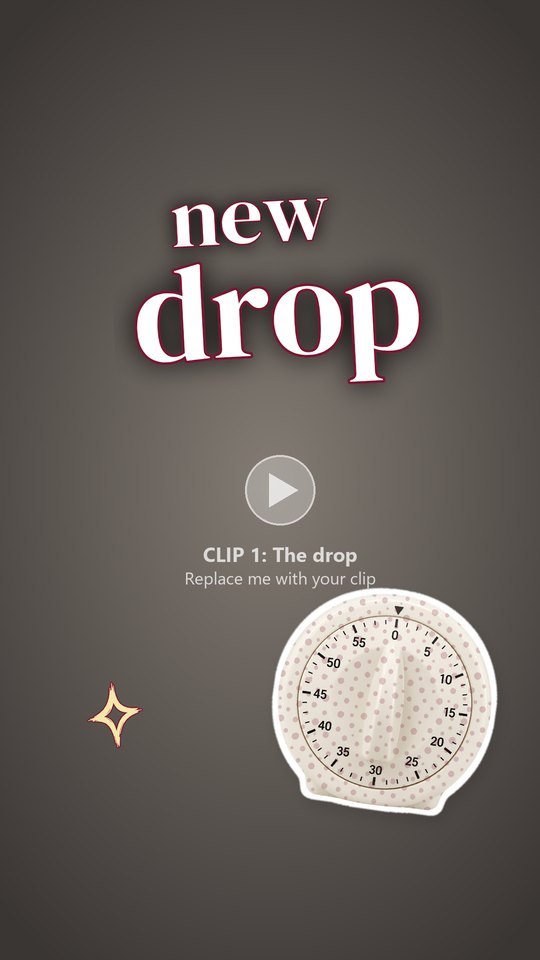
New drop reveal
16 of 25
What it feels like
17 of 25
Everything that goes into one
18 of 25
Check this before you buy
19 of 25
Pair it with
20 of 25
What buyers said
21 of 25

Small batch
22 of 25
Put it to the test
23 of 25
Every option in 10 seconds
24 of 25
Make it last
25 of 25
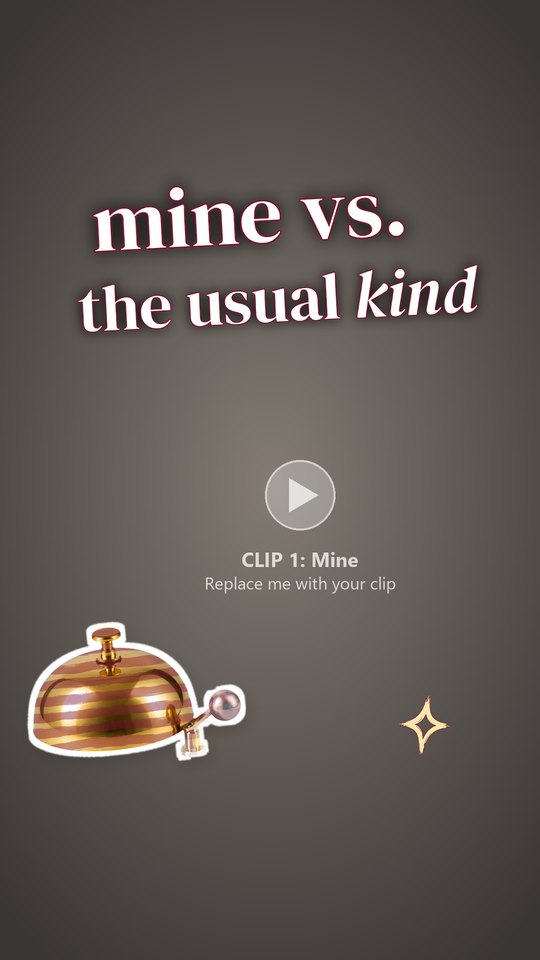
Mine vs the usual kind
Every template comes with a Reel + carousel
 swipe
swipe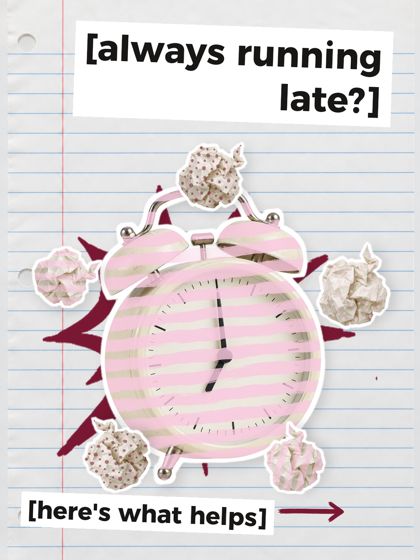
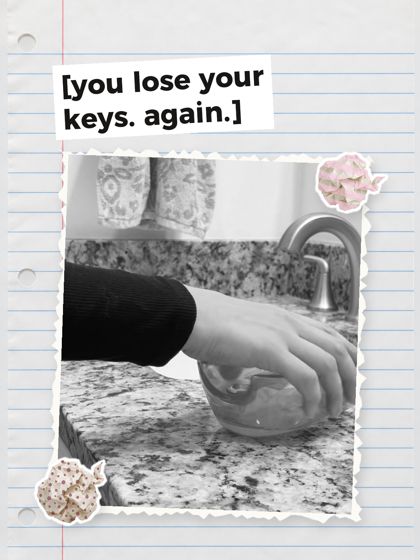
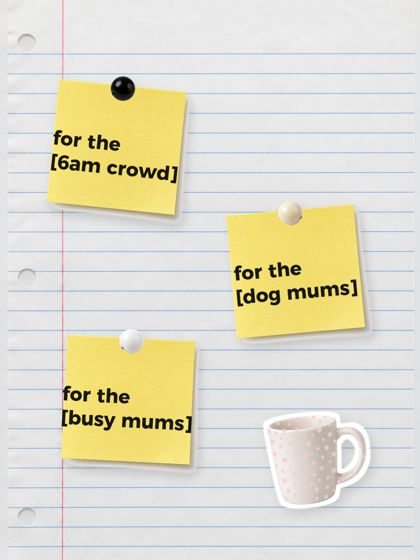
- A CapCut Reel template
- A shot list
- A caption template
- An editable Reel cover
- A matching carousel
Make it yours
Change it all in CapCut.
How it works
- Download
- Film
- Edit
- Post
Who it’s for
If you sell a product you can film, these are for you.
Print on demandMakersEtsy sellersShopify storesSmall-batch brandsBoutiques


Questions
How do I edit the carousel?
Open its Canva link (a free account works), swap the photos and type over the [brackets].
Is music included?
No. The Reels have no audio: no music and no sound effects. Add a sound in Instagram after you upload, so your Reel never gets muted.
Do I need to install fonts?
No, they come with the template.
How do I change the words?
Double-click a text box and type.
My computer warns me about the installer.
That is normal. Click More info, then Run anyway.
Can I swap a clip?
Yes. Right-click it on the timeline and choose Replace.
Do I need Canva Pro?
No. The carousels open in free Canva.